Making your pictures look good used to take a lot of time and skill. Now, with an ai image editor, it’s way easier. These tools use smart technology to fix photos, add cool effects, or even create art from scratch. Whether you’re just messing around or trying to make something professional, an AI editor can really help you get better results faster. It’s like having a helpful assistant for all your photo needs.
Key Takeaways
- An ai image editor can quickly fix and improve photos with smart, automatic adjustments.
- You can easily remove unwanted things from pictures or change backgrounds using AI.
- AI can create new images from text descriptions or turn your photos into different art styles.
- These editors offer easy-to-use tools for creative edits like face swapping or fixing group photos.
- Even complex visual effects are now simple to do, making professional-looking results accessible to everyone.
Understanding The Power Of An AI Image Editor
Artificial intelligence is changing how we work with images, making complex edits simpler and faster. Think of it as having a smart assistant that understands your photos. These tools use advanced computer programs, trained on millions of pictures, to recognize what’s in an image – like faces, skies, or buildings. This ability to understand the content is what sets AI editors apart from older software.
Core Benefits Of AI For Image Enhancement
AI brings some big advantages to making your photos look better. It can fix common problems automatically, saving you a lot of time. Instead of manually adjusting settings for hours, AI can often get the job done in seconds.
- Speed and Efficiency: AI automates tasks that used to take a lot of time, like removing backgrounds or fixing lighting.
- Improved Quality: AI can sharpen details, correct colors, and make images clearer, often with just one click.
- Accessibility: It makes advanced editing techniques available to everyone, not just professionals.
Key AI Capabilities In Modern Editors
Modern AI editors can do more than just basic fixes. They have specific features that help with different editing needs:
- Content Recognition: The AI can identify different parts of an image (e.g., sky, person, object) to apply edits more precisely.
- Automated Adjustments: Features like auto-enhance can fix brightness, contrast, and color balance automatically.
- Object Removal: AI can intelligently remove unwanted items from a photo, filling in the space realistically.
- Style Transfer: Applying the artistic look of one image, like a painting, to your own photo.
Understanding AI’s Contextual Awareness
AI’s ability to understand an image’s context is its most powerful aspect. It doesn’t just see pixels; it understands relationships between objects and the overall scene. This means when AI makes a change, it does so in a way that makes sense for the picture.
This contextual awareness allows AI to make edits that are not only technically correct but also aesthetically pleasing, maintaining the natural look and feel of the original photograph while improving its quality or transforming its style.
For example, if you ask AI to brighten a photo, it knows to adjust the sky differently than a person’s face, preserving details and avoiding unnatural results. This intelligent approach makes AI image editing a powerful tool for both quick fixes and creative projects.
Effortless Photo Enhancement With Smart Adjustments
Sometimes, you just want to make a photo look better without spending hours fiddling with sliders. That’s where a good AI photo editor really shines. These tools are designed to take the guesswork out of editing, offering smart adjustments that can fix common issues or add creative flair with just a few clicks. Think of it as having a helpful assistant who knows exactly what your photo needs.
One-Tap Photo Improvements
Many AI editors come with a "one-tap" or "auto-enhance" feature. You upload your picture, hit a button, and the AI gets to work. It analyzes the image and makes automatic corrections to things like brightness, contrast, color balance, and sharpness. This is fantastic for quickly improving everyday shots or when you’re in a hurry. It’s like giving your photo a quick polish to make it look its best. These tools simplify the process of making impactful changes to your photos, improving their overall appearance with advanced technology.
Precise Control Over Lighting And Color
While one-tap is great, sometimes you need more control. Modern AI editors don’t just make broad adjustments; they can also offer refined control over specific aspects. For instance, you might find tools that let you adjust the overall lighting, fine-tune brightness and contrast, or even manage shadows and highlights to create a more natural look. Similarly, color adjustments can go beyond simple saturation, allowing for more nuanced changes to the mood and feel of your image. You can adjust the overall lighting, fine-tune brightness and contrast, or even manage shadows and highlights to create a more natural look. AI photo editors can also make more nuanced changes to the mood and feel of your image.
Intelligent Photo Enhancements For Stunning Results
AI can help make subtle but impactful changes to facial features. Think about adjusting the shape of a jawline, refining the nose, or even slimming a face slightly. These tools work by analyzing the existing features and making adjustments that look natural. The goal is to achieve a polished look without making the subject unrecognizable. Skin retouching is also much simpler with AI. These tools can automatically detect and reduce blemishes, smooth out skin texture, and remove temporary imperfections like redness or minor marks. They can also help with wrinkles, making them less noticeable for a more youthful appearance. The key is that the AI understands skin tones and textures, so the results look authentic.
The key is to think of AI not as a replacement for your creative eye, but as an incredibly fast and intelligent assistant. An effective AI photo editing workflow involves a partnership between your vision and the tool’s capabilities. Following a few best practices will ensure your final images are enhanced, not distorted.
Innovative AI Features For Creative Expression
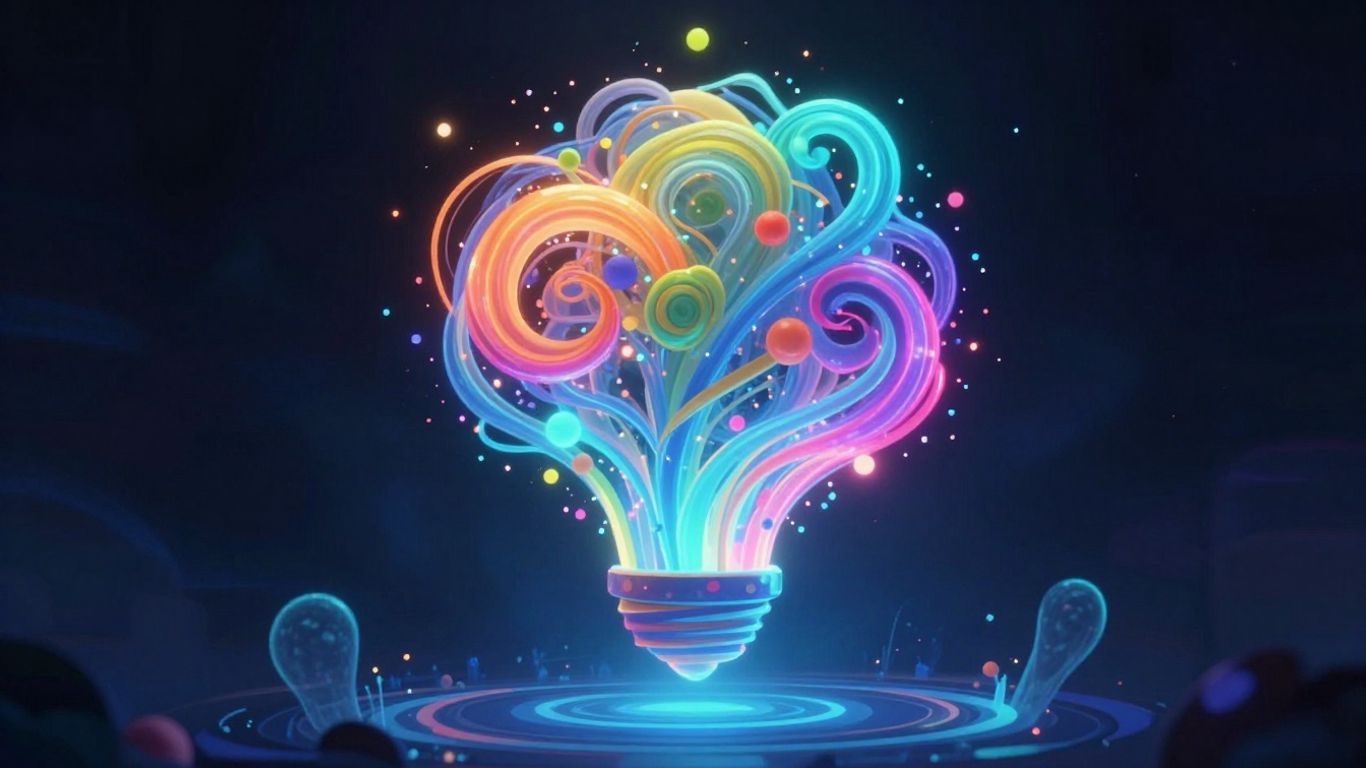
AI image editing tools are moving beyond simple fixes and into the territory of genuine creative invention. These features let you do things that were once incredibly difficult or even impossible, opening up new ways to express yourself visually.
Seamlessly Remove Unwanted Elements
Ever taken a great photo only to find a distracting object or person ruining the shot? AI makes it simple to clean that up. You can select the unwanted element, and the AI intelligently fills in the background, making it look like it was never there. This is a huge time-saver compared to traditional methods that involved careful cloning and patching.
Intelligent Face Swapping For Fun Edits
This feature is exactly what it sounds like. AI can analyze facial features and swap them between different photos with surprising accuracy. It’s a fun way to play around with portraits, create humorous images, or even visualize how someone might look with different features. The technology has advanced to a point where the results can be remarkably convincing.
AI-Assisted Group Photo Creation
We’ve all been in that situation: a group photo where everyone looks good, but not everyone looks good in the same photo. Maybe one person blinked, another had their eyes closed. AI can help here too. It can analyze multiple shots of the same group and combine the best expressions and poses from each into one perfect picture. This means no more re-taking photos over and over.
Background Expansion Tools
Sometimes, you have a great subject but the original photo’s framing is too tight, or you need to adapt it for a different size format, like a banner. AI background expansion tools can intelligently extend the edges of your image, creating new content that fits naturally with the original scene. It’s like giving your photo more breathing room without losing the main focus or introducing awkward visual breaks. This is particularly useful for adapting images for various platforms or simply to achieve a more balanced composition.
Transforming Images With Diverse Art Styles
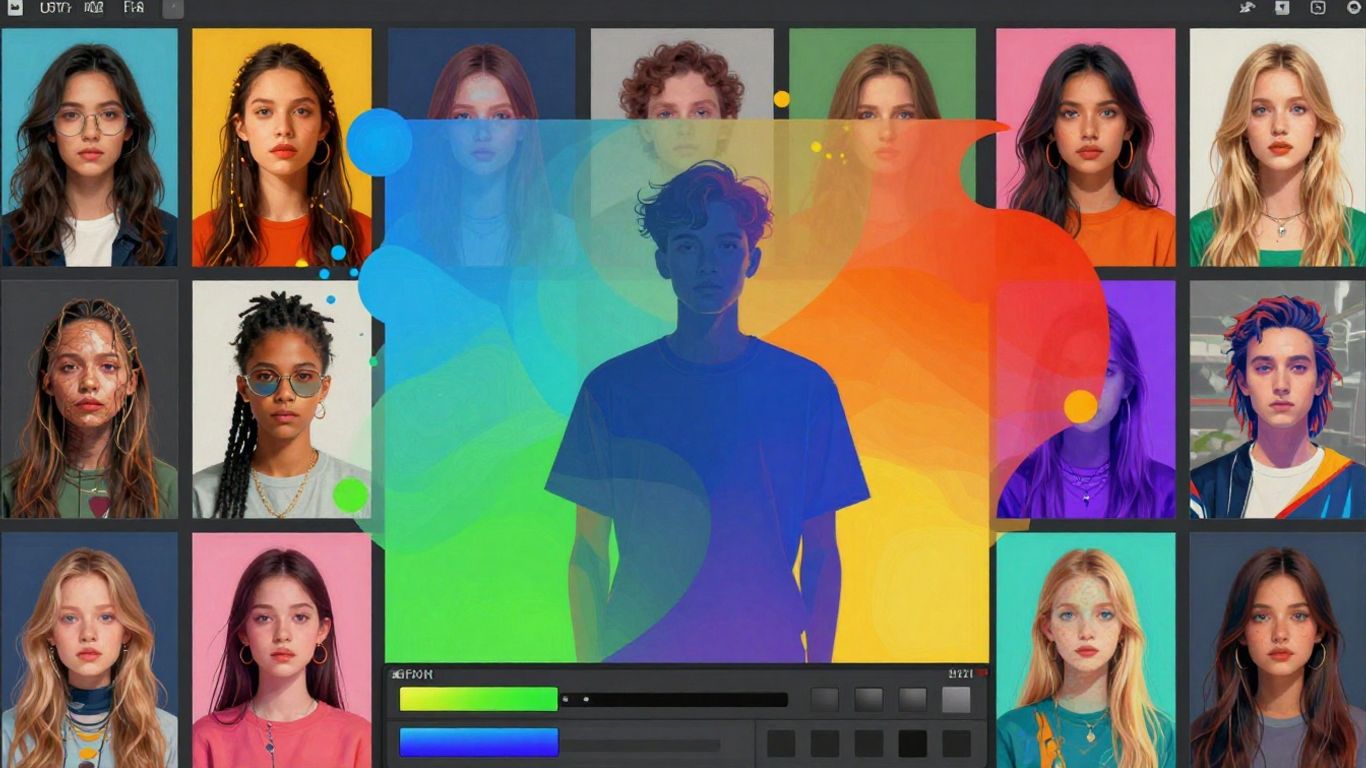
AI image editors go beyond simple fixes; they let you completely reimagine your pictures. This section looks at how AI can turn your photos into something entirely new, using text prompts or applying different artistic looks.
Generating Unique Images From Text
This is where you describe what you want, and the AI makes it. It’s like telling a story and having it instantly illustrated. You can be very specific, asking for a "cyberpunk city at sunset with flying cars" or something more abstract like "the feeling of joy as a swirling pattern." The AI interprets your words and creates a visual. The key is in the prompt – the more detail you give, the closer the result will be to your vision. For example, you can specify:
- Subject: What is the main focus? (e.g., a dragon, a teacup, a forest)
- Style: What artistic style should it mimic? (e.g., Impressionist, Art Deco, pixel art)
- Details: What colors, lighting, or mood should it have? (e.g., warm lighting, melancholic mood, vibrant blues)
This process allows for rapid creation of multiple concepts, which is great for brainstorming or finding that perfect image for a project. You can even use existing images as a base for new creations, guiding the AI with your input.
Applying Diverse Artistic Styles
Ever wanted your photo to look like a Van Gogh painting or a comic book panel? AI can do that. It analyzes your photo and applies the characteristics of a chosen art style. This isn’t just a simple filter; the AI understands the textures, brushstrokes, and color palettes of different art movements. You can experiment with styles like:
- Impressionism
- Surrealism
- Cubism
- Anime
- Watercolor
This feature is fantastic for giving a consistent look to a series of photos or for creating unique graphics for social media. It’s like having a digital art history library at your disposal.
Style Blending For Unique Visual Outcomes
Why stick to just one style when you can combine them? AI editors allow you to blend different artistic styles together. Imagine a photograph rendered in the style of a Renaissance painting but with the color palette of a modern abstract piece. This opens up a whole new world of visual possibilities. You can experiment with mixing elements from different artists or art periods to create something truly original. This capability is especially useful for designers looking to create distinctive branding or artists seeking to push creative boundaries. It’s a way to generate visuals that haven’t been seen before, making your work stand out. You can even turn static images into dynamic videos using tools that add motion and transitions, making your creations more engaging for social media posts.
AI’s ability to generate and transform images with various art styles means you’re no longer limited by traditional methods. It provides a playground for visual experimentation, allowing anyone to produce professional-looking artwork quickly and efficiently.
Mastering Your Edits With An Intuitive AI Photos Editor
Sometimes, you just want to make a photo look better without spending hours fiddling with sliders. That’s where a good AI photo editor really shines. These tools are designed to take the guesswork out of editing, offering smart adjustments that can fix common issues or add creative flair with just a few clicks. Think of it as having a helpful assistant who knows exactly what your photo needs.
User-Friendly Interface For Creativity
Modern AI photo editors are built with the user in mind. Forget complicated menus and endless toolbars. Many feature a clean, straightforward layout that makes finding what you need simple. This means you can spend less time figuring out how the software works and more time actually creating. The goal is to make powerful editing accessible, so whether you’re a beginner or have some experience, you can jump right in.
Instant Results With Quick Transformations
One of the biggest draws of AI editing is speed. Many tools offer "one-tap" or "auto-enhance" features. You upload your picture, hit a button, and the AI gets to work. It analyzes the image and makes automatic corrections to things like brightness, contrast, color balance, and sharpness. This is fantastic for quickly improving everyday shots or when you’re in a hurry. It’s like giving your photo a quick polish to make it look its best.
General Workflow For Effective AI Tool Usage
Using AI tools is easy, but getting the best results requires a bit of strategy. Simply maximizing every AI slider will often result in an over-processed, artificial image. The key is to think of AI not as a replacement for your creative eye, but as an incredibly fast and intelligent assistant. An effective AI photo editing workflow involves a partnership between your vision and the tool’s capabilities. Following a few best practices will ensure your final images are improved, not distorted.
Here’s a typical workflow:
- Start with the basics: Use auto-enhancement or one-tap fixes for initial improvements to exposure, color, and sharpness.
- Refine specific areas: If needed, use AI-powered tools for more targeted adjustments, like selective color correction or lighting tweaks.
- Creative additions: Explore features like object removal, background changes, or style transfers to add artistic flair.
- Review and adjust: Always take a step back to look at the overall image. Make small, final tweaks to ensure the edits look natural and align with your vision.
The true power of an intuitive AI editor lies in its ability to simplify complex processes. It acts as a bridge, allowing users to achieve sophisticated results without needing years of technical training. This democratization of advanced editing means more people can bring their visual ideas to life effectively and efficiently.
Leveraging AI For Professional Results
AI image editing tools are rapidly changing the game, making professional-quality results accessible to everyone. Tasks that once took hours of skilled work can now be completed in minutes, if not seconds. This shift means you can focus more on the creative vision and less on the technical grind.
Unprecedented Time-Saving Automation
One of the biggest advantages of using AI in your editing workflow is the sheer amount of time it saves. Think about common, time-consuming tasks like removing a background from a detailed image. What might have taken a human editor 15 to 30 minutes can now be accomplished by AI in less than 10 seconds. This efficiency boost frees up your schedule considerably, allowing for more creative exploration and faster project completion. It’s like having a tireless assistant for all those repetitive jobs.
Professional Results for Everyone
AI technology is leveling the playing field. Beginners can now achieve polished results that previously required advanced training. For example, intelligent portrait tools can smooth skin and remove blemishes naturally, producing outcomes that once needed complex techniques. This makes high-quality image work achievable for a much wider audience, regardless of their prior experience. You can create stunning visuals without needing years of practice.
Democratizing Complex Visual Effects
AI doesn’t just speed things up; it also makes complex visual effects approachable. Features like generative fill can extend image borders, remove unwanted objects, or even add new elements based on simple text descriptions. This capability opens up new avenues for creative expression that were once the domain of highly specialized professionals. You can now experiment with advanced editing techniques that were previously out of reach. For instance, creating unique video content from text prompts is becoming easier with tools like the Canva AI video generator.
AI tools are not just about fixing photos; they are about expanding creative possibilities. They allow for experimentation and the realization of ideas that might have been too difficult or time-consuming to pursue otherwise. This democratization of advanced editing means more people can bring their visual concepts to life.
Here are some ways AI helps achieve professional outcomes:
- Automated Retouching: AI can handle tasks like skin smoothing, teeth whitening, and eye enhancement with remarkable accuracy.
- Object Removal: Easily erase unwanted distractions from photos, with AI intelligently filling in the background.
- Background Manipulation: Quickly change or remove backgrounds, isolate subjects, or expand image canvases.
- Color Correction and Grading: AI can analyze an image and suggest or apply optimal color adjustments for a more pleasing look.
While free AI tools are incredibly powerful, it’s important to recognize their limits. For high-stakes commercial projects or when absolute precision is required, professional human editing services might still be the best choice. However, for most everyday needs and creative projects, AI provides an unparalleled combination of speed, quality, and accessibility, truly making professional results attainable for everyone.
Your Creative Journey, Amplified
As we’ve seen, AI image editing tools have become incredibly accessible and powerful. They can help fix everyday photos with a single click or generate entirely new art from simple text. Whether you’re looking to polish your personal pictures, create unique visuals for a project, or just explore your imagination, these AI editors offer a straightforward way to bring your ideas to life. The technology is constantly improving, making it easier than ever to achieve impressive results without needing years of training. So, don’t hesitate to try out some of these tools and see what you can create. You might just discover a new level of creativity you didn’t know you had.
Frequently Asked Questions
What exactly is an AI photo editor?
Think of an AI photo editor as a super smart helper for your pictures. It uses artificial intelligence, which is like a computer brain trained on tons of photos, to make editing really easy. It can fix colors, make things clearer, remove stuff you don’t want, and even change backgrounds, often with just a single click. It’s like having a pro photographer’s skills right at your fingertips.
Can AI really make my photos look better automatically?
Yes, it can! Many AI editors have a ‘one-tap’ fix feature. You upload your photo, press a button, and the AI instantly makes your picture look brighter, sharper, and have better colors. It’s great for quickly improving everyday photos or when you’re in a rush.
What if I want to change more than just the basics?
AI editors can do more than just simple fixes. They have cool tools that let you do things like erase unwanted people or objects from your photos so they disappear like magic. You can also use AI to swap faces for fun edits or even combine the best parts of different group photos to make one perfect picture where everyone looks great.
Can AI create brand new images?
Absolutely! Some AI editors can create unique pictures just from words you type. You describe what you want, like ‘a cat wearing a hat in space,’ and the AI draws it for you. You can also tell the AI to make your photo look like a famous painting or a cartoon.
Are these AI editing tools hard to use?
Not at all! Most AI photo editors are designed to be super easy to use, even if you’ve never edited a photo before. They have simple buttons and clear instructions, so you can start making amazing edits right away without needing to learn complicated techniques.
Will using AI make my editing look professional?
Yes, that’s one of the biggest benefits! AI tools can do complex editing tasks that used to take a lot of time and skill. This means anyone can get professional-looking results, saving you tons of time and making your photos look fantastic, whether for fun or for important projects.