Remember the good old days of Minecraft? Before all the fancy updates and complicated mechanics? If you’re feeling a bit nostalgic for those simpler times, you’re in luck. There are some pretty cool ways to bring back that classic feel, and we’re going to look at some of the best minecraft classic mod experiences out there. It’s like a time machine for your game, letting you tweak things just the way you remember them.
Key Takeaways
- Nostalgic Tweaks lets you bring back old lighting, fog, mob spawning, and even C418 music from older Minecraft versions.
- The Golden Days Resource Pack offers visual styles from alpha and beta versions, pairing well with mods that bring back old mechanics.
- Moderner Beta focuses on recreating the terrain generation from older versions of Minecraft, giving you that familiar world feel.
- Programmer Art Continuation Project keeps the original art style alive, offering a visual throwback for those who miss the early textures.
- Mods like Legacy4J and OSECA aim to provide specific experiences or continuations of older modding styles, letting you pick exactly what era you want to revisit.
1. Nostalgic Tweaks
Remember when Minecraft felt a little different? Maybe the lighting was softer, or the way items floated in the air had a certain charm. Nostalgic Tweaks is a mod designed to bring back those specific feelings and mechanics from older versions of Minecraft. It’s not just about making the game look old; it’s about recreating the gameplay feel of classic eras, from Alpha and Beta all the way through post-release updates.
This mod lets you pick and choose from hundreds of individual tweaks. Want the old fog rendering back? You can do that. Prefer the way mobs used to spawn? That’s an option too. It even includes things like the old C418 music and classic game screens. The goal is to let players customize their Minecraft experience to match their fondest memories.
Here are just a few examples of the kinds of tweaks you can find:
- Old light engines (pre-Beta 1.8)
- Classic sky and void colors
- 2D floating items
- Older mob spawning mechanics
- Original combat feel
- Different sunset and sunrise styles (like Xbox 360 versions)
The configuration menu for Nostalgic Tweaks is quite detailed. You can access it by pressing ‘O’ in-game, and it allows you to fine-tune each individual setting. Each tweak has tags to help you understand what it affects, and you can save your preferred setups. It’s designed to be accessible, even if you’re not a modding expert.
Nostalgic Tweaks works well with other mods that aim for a similar classic feel, like the Golden Days resource pack or the Moderner Beta mod for terrain generation. It’s a great way to revisit the game’s roots without completely overhauling your setup.
2. Golden Days Resource Pack
If you’re looking to truly step back in time with your Minecraft experience, the Golden Days Resource Pack is a must-have. Developed by PoeticRainbow, this pack is designed to bring back the visual feel of older Minecraft versions, complementing mods that aim to restore classic gameplay mechanics. It’s not just about changing textures; it’s about recreating the atmosphere of early Minecraft.
The pack offers several distinct visual styles, allowing players to choose their preferred era. These include options that mimic the look of Alpha versions and a "picture perfect" aesthetic that aims for a clean, classic feel. When paired with mods like Nostalgic Tweaks, Golden Days can significantly deepen the sense of playing a much older version of the game.
Here’s a look at what makes it stand out:
- Alpha Aesthetics: Replicates the blocky, simple textures found in Minecraft’s early Alpha stages.
- Classic Textures: Provides a clean, familiar look that many players associate with the "golden age" of the game.
- Atmospheric Elements: Includes changes to things like skyboxes and item rendering to further enhance the nostalgic feel.
Using this resource pack alongside other mods that restore old mechanics can create a remarkably authentic throwback experience. It’s a simple yet effective way to revisit the game as it once was.
It’s worth noting that Golden Days is often recommended by the developers of other nostalgia-focused mods, highlighting its compatibility and effectiveness in achieving that desired retro look and feel.
3. Moderner Beta
If you’re looking to recapture the feel of older Minecraft versions, especially the terrain generation, then Moderner Beta is a mod you’ll want to check out. This mod focuses specifically on bringing back those classic world generation styles that many players remember fondly from the beta era. It’s not about changing every little detail, but rather about recreating the distinct look and feel of worlds generated in those earlier days.
Moderner Beta works by adjusting how the game generates terrain, including things like the shape of mountains, the placement of caves, and the overall landscape. It aims to replicate the procedural generation algorithms used in versions prior to 1.8, which many consider to have a more distinct and perhaps simpler charm.
Here’s a look at what it typically offers:
- Classic Terrain Shapes: Reintroduces the blockier, more dramatic landscapes characteristic of beta versions.
- Biomes: Adjusts biome distribution and appearance to match older versions.
- Cave Generation: Modifies how caves and ravines form, bringing back older patterns.
- Structure Placement: Influences the generation and placement of structures like villages and strongholds.
This mod is particularly useful when paired with other nostalgia-focused mods, like Nostalgic Tweaks, to create a more complete retro experience. It allows you to tweak gameplay elements while Moderner Beta handles the world’s appearance.
The goal here isn’t to make the game look exactly like it did on a specific date, but to bring back the general vibe and generation patterns that defined Minecraft’s early years. It’s about that feeling of exploring a world that feels familiar yet different from today’s generated landscapes.
4. Old Days Mod
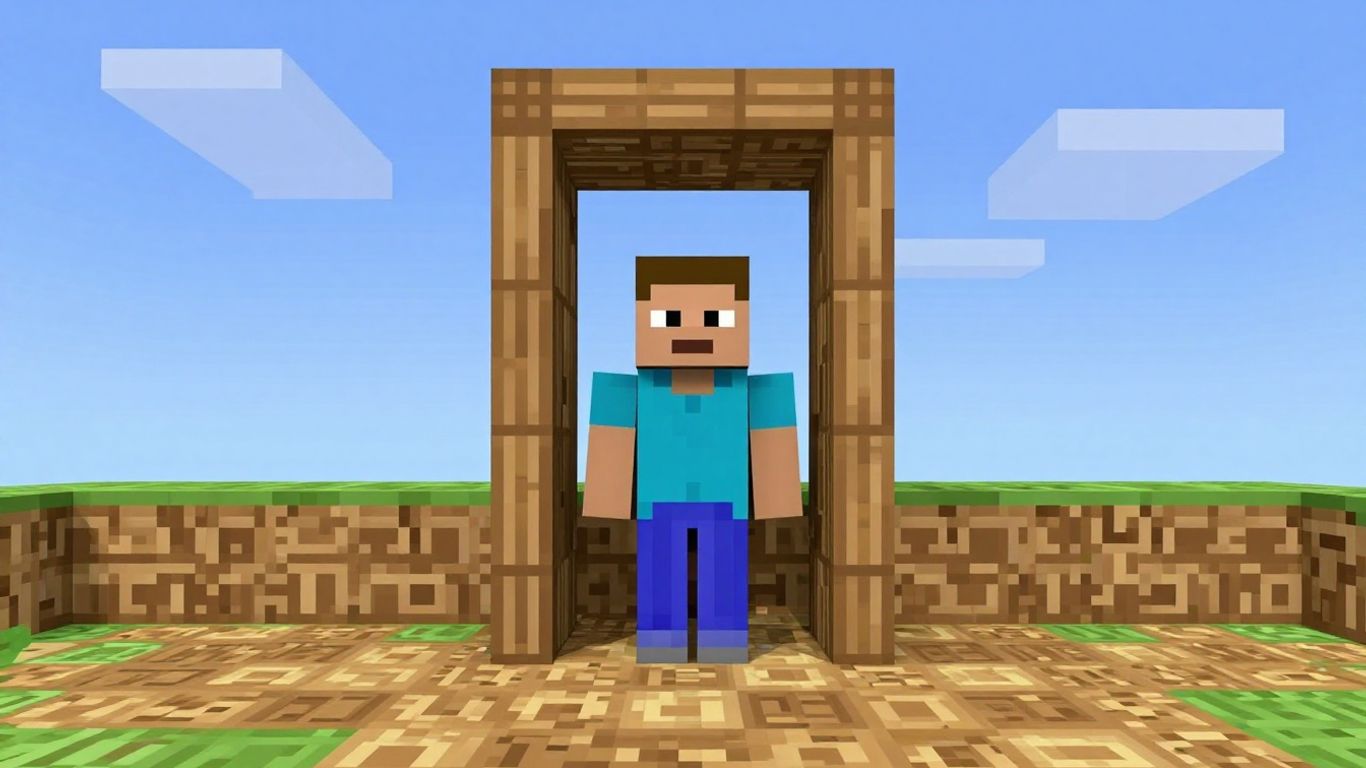
Inspired by the original Old Days mod, this project aims to bring back a ton of gameplay elements that were changed or removed after the early days of Minecraft. It’s all about letting you tweak the game to feel like it did back in the alpha, beta, or even just slightly after release. If you’re someone who misses the way things used to be, this mod is definitely worth checking out.
What kind of changes can you expect? Well, the list is pretty long, but some highlights include:
- Old lighting engines, like those from before version 1.8.
- Different fog rendering styles.
- Classic sky and void colors.
- 2D floating items without that modern diffused lighting effect.
- Older mob spawning behaviors.
- Changes to combat mechanics to match earlier versions.
- Retro game screens and interfaces.
- The original C418 music tracks.
There are over 400 different tweaks available, and the developers are always adding more. It’s designed to be highly configurable, so you can pick and choose exactly which old features you want to bring back. You can even access a configuration menu by pressing ‘O’ while in-game, which lets you adjust each tweak individually. It’s a great way to get that specific nostalgic feel back into your Minecraft experience.
5. Programmer Art Continuation Project
For those who really want to go back to the roots, the Programmer Art Continuation Project is a fantastic resource pack. It’s not a mod in the traditional sense, but it works hand-in-hand with mods like Nostalgic Tweaks to bring back that original, blocky aesthetic. Think of it as a visual time capsule.
This project aims to recreate and preserve the look and feel of Minecraft’s earliest versions, specifically focusing on the iconic "Programmer Art" style that many players remember fondly. It’s all about those simple textures, the distinct color palettes, and the overall charm of the game before it became more detailed.
Here’s what makes it stand out:
- Authentic Textures: It meticulously recreates the original textures, from dirt blocks to crafting tables, ensuring a consistent and genuine retro feel.
- Color Palette Accuracy: The pack pays close attention to the original color choices, which were quite different from modern Minecraft.
- Compatibility: It’s designed to work well with other nostalgia-focused mods, making it a perfect companion piece for a truly immersive throwback experience.
Using this resource pack alongside mods that alter gameplay mechanics can really transport you back to a simpler time in Minecraft’s history. It’s a great way to experience the game as it was when it first captured the imaginations of millions.
If you’re looking to recapture that specific, early Minecraft vibe, this resource pack is definitely worth checking out. It’s a labor of love for fans who appreciate the game’s humble beginnings.
6. Legacy4J
Legacy4J is a mod that aims to bring back a lot of the old ways Minecraft used to work, kind of like a spiritual successor to other nostalgia-focused mods. It’s built to let you tweak all sorts of things to get that classic feel back. Think old lighting, different fog effects, or even how items look when they drop on the ground.
The mod offers a huge number of customizable options, letting players fine-tune their game experience. You can adjust things like:
- Visuals: Change sky and void colors, alter fog rendering, and even bring back 2D floating items.
- Gameplay Mechanics: Revert to older mob spawning rules, adjust combat mechanics, or change how certain blocks behave.
- Audio: Some versions even bring back classic C418 music tracks.
It’s designed to work with newer versions of Minecraft, and it’s also compatible with performance mods like Sodium, which is a big plus. The developers are actively working on it, adding more tweaks and support for the latest game updates. You can access all these settings through an in-game menu, usually by pressing ‘O’ for ‘Old’, and it’s pretty straightforward to use.
Legacy4J is a great choice if you’re looking to recreate a specific era of Minecraft’s past or just want to experiment with different gameplay styles that aren’t in the base game anymore. It’s all about giving you control over the nostalgia.
7. OSECA
OSECA is a mod that offers a way to bring back older Minecraft features, especially for those playing on versions like 1.12, 1.16, and 1.17. If you’re looking to experience gameplay elements from earlier in Minecraft’s history on these specific versions, OSECA is a good option to consider. It was developed by the same person behind Nostalgic Tweaks, and it’s designed to be a solution for players who want that classic feel on slightly newer, but still older, versions of the game.
This mod focuses on restoring various aspects of the game that have changed over time. Think of things like older lighting systems, different fog effects, or even the way items used to float in the world. It’s all about capturing that specific feeling of playing Minecraft from a particular era.
OSECA is particularly useful if you’re trying to replicate a specific older version’s feel but can’t or don’t want to downgrade your entire game. It provides a targeted way to reintroduce those nostalgic elements.
The mod is built to be server-friendly, meaning it disables any tweaks that wouldn’t be allowed on a standard, un-modded server. This makes it easier to use in multiplayer settings without causing conflicts.
Here are some of the kinds of things OSECA can help bring back:
- Older lighting mechanics, similar to those found in pre-beta versions.
- Different fog rendering styles that were present in earlier updates.
- The visual style of floating items, including how they appeared before changes to diffused lighting.
- Classic mob spawning behaviors.
- Older combat mechanics that many players remember fondly.
- The look and feel of older game screens and interfaces.
- The inclusion of classic C418 music tracks.
8. Re-Console
Re-Console is a mod that aims to bring back a lot of the old ways Minecraft used to work, focusing on elements that were changed or removed after the early days of the game. It’s built for players who miss the feel of older versions and want to tweak their current game to match.
This mod offers a huge number of options, letting you change things like the old light engines, how fog looks, the colors of the sky and void, and even how items appear when dropped. It also touches on older mob spawning and combat mechanics, giving you a taste of what playing Minecraft was like years ago. The goal is to let you customize your game to feel exactly like you remember it.
Getting into the settings is pretty straightforward. You can usually open the configuration menu by pressing the ‘O’ key while in-game, or you can access it through the Mods button if you have a mod menu installed. Inside, you’ll find hundreds of tweaks, each with tags that explain what they do. You can favorite tweaks, change their settings, and even reset them if you don’t like the changes.
Here are some of the kinds of things you can adjust:
- Lighting: Revert to older light engine behaviors.
- Visuals: Change fog rendering, sky colors, and item appearance.
- Gameplay: Modify mob spawning, combat, and even how certain blocks behave.
- Audio: Bring back classic C418 music tracks.
It’s worth noting that Re-Console is designed to be server-friendly. It automatically disables any tweaks that aren’t allowed on standard, non-modded servers, so you can use it in multiplayer without causing issues.
If you run into any problems or compatibility issues, especially with other mods like Better Clouds or Optifine, the developers recommend reporting them on their GitHub page. This helps them track and fix problems more effectively.
9. Better Clouds
While many mods focus on bringing back old gameplay mechanics or textures, some aim to simply improve the visual experience. "Better Clouds" is one such mod, offering a way to make the sky in Minecraft look a bit more interesting. It’s not about changing how clouds function, but rather how they appear.
This mod provides a few options to tweak the look of your clouds. You can adjust things like their density and how they render. The goal is to give players more control over the sky’s appearance without altering core gameplay. It’s a simple addition, but for those who spend a lot of time looking up, it can make a noticeable difference.
Here are some of the adjustments you might find:
- Cloud Density: Make clouds thicker or thinner.
- Render Style: Change how clouds are drawn on screen.
- Fog Distance Factor: Adjust how far away fog effects, which can interact with clouds, are visible.
It’s worth noting that some mods can sometimes cause conflicts. If you run into issues with "Better Clouds," a common suggestion is to adjust the "Fog Distance Factor" within the mod’s own settings. This simple tweak can often resolve visual glitches or performance hiccups.
This mod is a good example of how small visual changes can impact the overall feel of the game. It’s a subtle enhancement that caters to players who appreciate the finer details in their Minecraft world.
10. Sodium
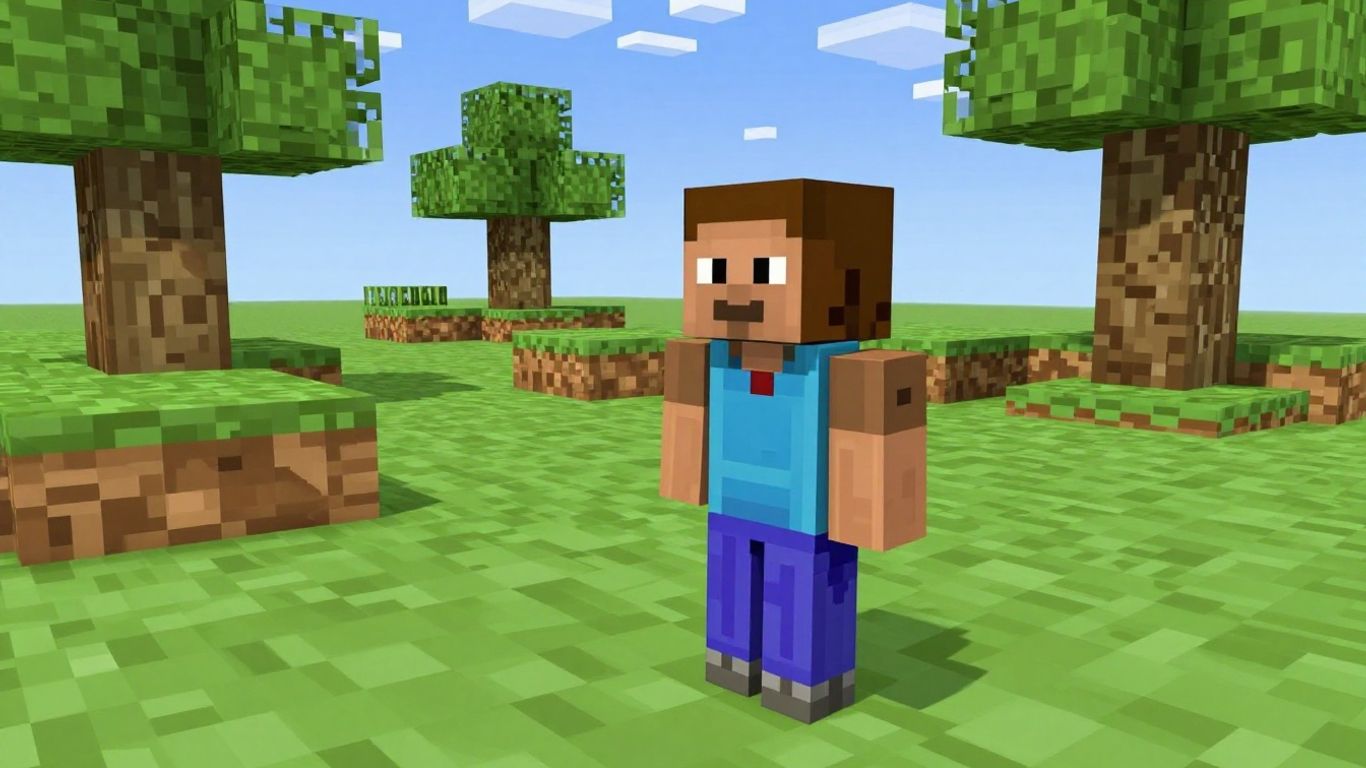
Sodium is a performance mod for Minecraft that aims to improve frame rates and reduce stuttering. It works by rewriting the rendering engine of the game, making it much more efficient. While not strictly a "classic" mod in the sense of bringing back old features, Sodium is often used alongside nostalgia mods to ensure a smooth experience, especially on modern hardware.
It’s a game-changer for players who want to keep the old-school feel without sacrificing performance.
Sodium focuses on optimizing how Minecraft draws graphics to your screen. This means it can significantly boost your FPS, making gameplay feel more fluid, particularly in complex builds or when exploring large areas. It achieves this through various techniques, including:
- Render Region Optimization: Only rendering the parts of the world that are currently visible.
- Batching: Grouping similar drawing commands together to reduce overhead.
- Lighting Engine Improvements: Making the way light is calculated and displayed more efficient.
While Sodium itself doesn’t add classic features, its compatibility with other mods, including many nostalgia-focused ones, makes it a popular choice. It’s designed to work well with mods like Nostalgic Tweaks, allowing players to enjoy both improved performance and a taste of older Minecraft versions.
For those looking to combine the charm of older Minecraft with modern performance, Sodium is an almost mandatory addition. It helps ensure that your journey through nostalgic worlds is as smooth as possible, free from the lag spikes that can pull you out of the experience.
Bringing Back the Classics
So, there you have it. We’ve looked at some ways to get that old-school Minecraft feel back. Mods like Nostalgic Tweaks, with its massive list of options, let you really dial in the exact version of the past you want to revisit. It’s pretty neat how much you can change, from how the light works to the music you hear. Remember to check out those recommended resource packs too, like Golden Days, to really complete the look and feel. Getting these old experiences back isn’t just about looking at things differently; it’s about remembering why we all fell in love with Minecraft in the first place. It’s a great way to play the game again, maybe even discover something new in the familiar.
Frequently Asked Questions
What is Nostalgic Tweaks?
Nostalgic Tweaks is a mod that brings back many old features and looks from earlier versions of Minecraft. It lets you change things like lighting, fog, and even how mobs spawn to make the game feel like it used to.
How do I open the mod’s settings?
You can open the settings by pressing the ‘O’ key while playing the game or on the main menu. If you have a mod menu installed, you might also find it there.
Can I use this mod with other mods?
This mod works well with others like Sodium and Embeddium. However, it might have issues with Optifine. It’s always a good idea to check for known problems or report any new ones you find.
Is this mod safe to use on servers?
Yes, it is! The mod is made so that it only uses features that are allowed on servers that don’t have mods installed.
What resource pack is shown in the pictures?
The pictures often use the Golden Days resource pack. There’s usually a link to it in the mod’s settings if you want to try it out too.
Can I include this mod in my own mod pack?
You sure can! Just make sure you share your mod pack on platforms where the mod is officially available, like Modrinth or Curseforge.