Thinking about artificial intelligence and need some visuals? It’s a big topic, and how we show it matters. From robots to complex code, a good picture of AI can really help explain things. This article looks at all sorts of images related to AI, how they’ve changed over time, and where you can find or even make them. Whether you’re putting together a presentation or just trying to understand the tech news, visuals are key. Let’s explore the world of AI imagery.
Key Takeaways
- The visual representation of AI spans from simple robot figures to complex neural network diagrams and futuristic scenes, helping to communicate abstract concepts.
- AI imagery is used across many fields, including healthcare, finance, smart homes, industry, and education, showing how AI impacts daily life and work.
- Finding the right picture of AI involves using specific search terms, filtering by quality, and understanding advanced search techniques to get precise results.
- AI-generated art is a growing area, with tools allowing anyone to create unique visuals from text prompts, offering an alternative to traditional stock photos.
- When choosing or creating AI visuals, consider technical aspects like file formats and color spaces, and stay aware of popular themes to ensure your images are relevant and effective.
Understanding the Visual Landscape of AI
Conceptualizing Artificial Intelligence Through Imagery
When we talk about artificial intelligence (AI), what pictures come to mind? For many, it’s robots, maybe sleek, futuristic machines with glowing eyes. Or perhaps it’s complex diagrams of interconnected nodes, like a digital brain. These images are how we try to grasp a technology that’s often abstract and hard to see directly. The way AI is pictured shapes how we understand its potential and its place in our world. From science fiction movies to marketing materials, visuals play a big part in telling the story of AI. They help us connect with ideas that might otherwise feel distant or too technical.
The Evolution of AI Visuals in Media and Marketing
Think back a few decades. AI in media often meant clunky robots or supercomputers with blinking lights. Fast forward to today, and the visuals are much more varied. We see AI represented in everything from smart assistants on our phones to complex data analysis dashboards. Marketing teams use these images to show how AI can solve problems, make life easier, or create new experiences. The look of AI in ads and articles has changed a lot, moving from purely mechanical ideas to more integrated, intelligent systems. It’s a visual journey that mirrors the technology’s own development.
The Crucial Role of AI Imagery in Communication
Getting the right picture for AI-related content isn’t just about making things look good. It’s about clear communication. A well-chosen image can explain a complex idea quickly, grab someone’s attention, or build trust. For instance, showing AI helping doctors diagnose diseases is more impactful than just describing it. Similarly, visuals of AI in smart homes make the concept relatable. Choosing visuals that accurately reflect AI’s capabilities and applications is key to effective storytelling. It helps audiences, whether they’re customers, students, or colleagues, understand what AI is and what it can do.
Diverse Categories of AI Imagery
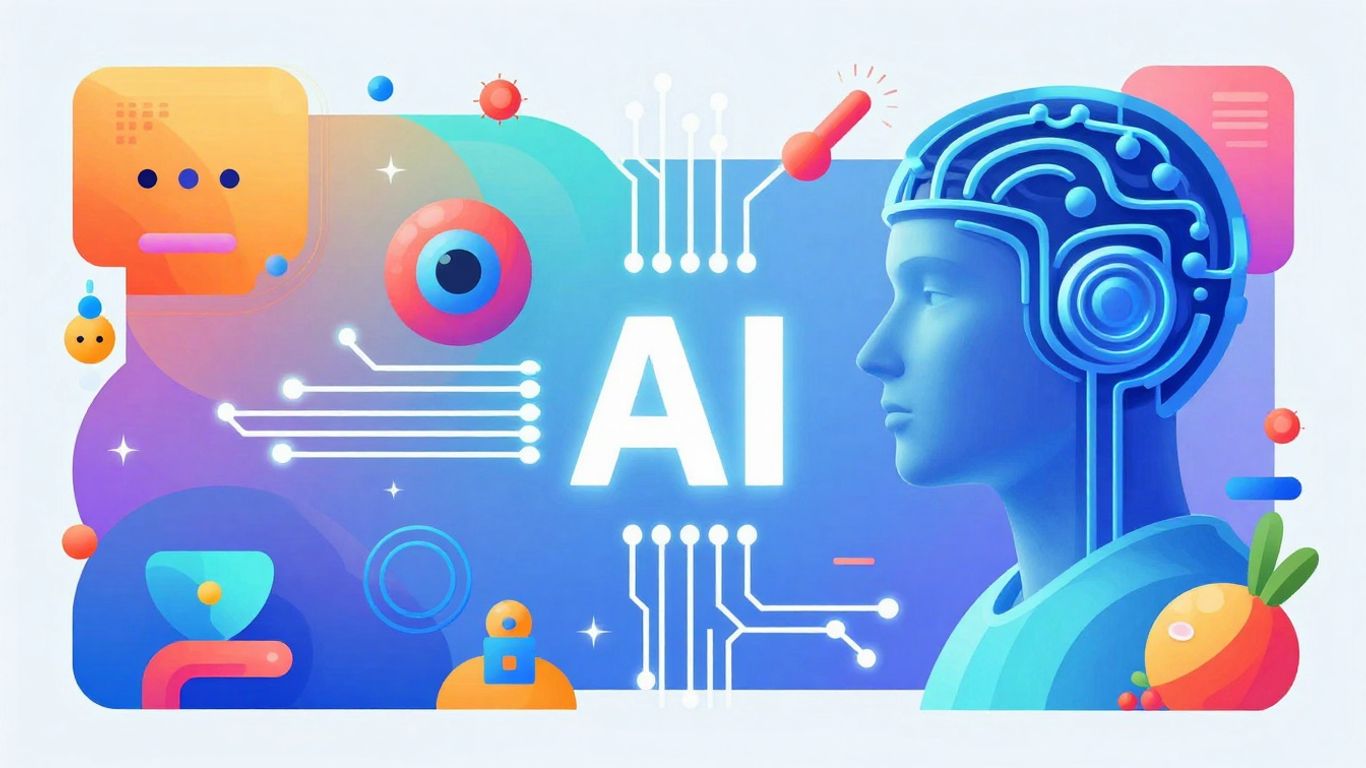
When we talk about pictures of AI, it’s not just one thing. The visual world of artificial intelligence is pretty broad, covering everything from the robots we see in movies to the complex systems working behind the scenes. Understanding these different types helps us pick the right image for what we’re trying to say.
Robotic and Humanoid Representations of AI
This is probably what most people picture first when they hear "AI." Think sleek robots, androids that look almost human, or even industrial arms on an assembly line. These images often use clean lines, shiny metal, and glowing lights to give that high-tech feel. Sometimes, they blend human and machine parts, showing circuits under transparent skin or digital overlays. These visuals are great for talking about automation, human-robot interaction, or just the general idea of intelligent machines.
Visualizing Neural Networks and Brain-Computer Interfaces
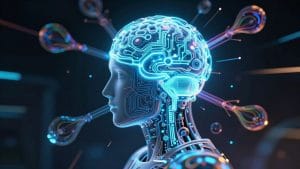
Going a bit deeper, we have images that try to show how AI actually works. Neural network diagrams are common here. They usually look like a bunch of colored dots connected by lines, representing how artificial brains learn. You might see different colors for different parts of the network, like inputs and outputs. Then there are brain-computer interface (BCI) images. These often combine brain scans with digital patterns or circuits, showing how AI can connect with or even boost human thinking. These are good for explaining complex AI concepts or discussing AI’s role in cognitive science.
Futuristic Technology Scenes and Immersive Environments
These images paint a picture of what AI might enable in the future. We’re talking about holographic displays that float in the air, interfaces you control with just your hands, or entire digital worlds you can step into. They often show people interacting with these advanced technologies, sometimes in augmented reality where digital elements are layered onto the real world. These visuals are perfect for sparking imagination about AI’s potential and its impact on our daily lives and entertainment.
AI Applications Across Industries
Artificial intelligence is no longer just a concept; it’s a driving force behind many real-world applications that touch our daily lives and reshape industries. Visualizing these applications helps us grasp the practical impact of AI. From healthcare to manufacturing, the way we depict AI in these sectors tells a story of progress and innovation.
AI in Healthcare and Autonomous Transportation
In healthcare, AI imagery often showcases medical professionals interacting with advanced diagnostic tools. Think of radiologists examining scans where AI highlights potential anomalies, or surgeons using robotic arms guided by intelligent systems. These visuals aim to convey precision, improved patient outcomes, and the integration of technology with human expertise. The approval of AI-enabled medical devices is a testament to this growing field. Similarly, autonomous transportation is a visually rich area. Images might feature vehicles equipped with sophisticated sensor arrays, or traffic management systems optimizing flow in real-time. We see depictions of delivery robots navigating urban environments and heads-up displays showing how AI makes driving decisions. These visuals represent a shift towards safer, more efficient travel.
The visual representation of AI in healthcare and transportation needs to balance technological advancement with trust and human well-being. It’s about showing how AI assists, not just replaces, human capabilities.
Financial Technology and Smart Home Integration
Financial technology, or FinTech, uses AI in diverse ways, and its imagery reflects this. Pictures might display complex trading interfaces with real-time data analysis, or dashboards illustrating fraud detection systems at work. Robo-advisor platforms and visualizations of algorithmic trading are also common. These images often aim to communicate security, speed, and data-driven decision-making. On the home front, smart home integration is depicted through visuals of interconnected devices. We see AI coordinating lighting, security, and climate control, often managed through voice assistants or central hubs. The focus here is on convenience, efficiency, and a more personalized living experience, moving beyond just showing gadgets to illustrating how they work together harmoniously.
Industrial Automation and Educational Technology
Industrial automation is another sector where AI’s impact is visually striking. Images here often feature robotic assembly lines working with precision, or predictive maintenance interfaces that signal potential equipment failures before they happen. The visuals tend to show AI working alongside human operators, highlighting collaborative robotics and AI-assisted decision support for quality control and supply chain optimization. In educational technology, AI is visualized through adaptive learning platforms and AI tutoring systems. These images focus on student engagement and personalized learning paths. They might show diverse students interacting with digital interfaces that tailor content to their individual needs, representing a move towards more effective and accessible education for everyone. The global artificial intelligence market is transforming how we visualize technology, and these industry-specific images are key to understanding that change the practical impact of AI.
Strategies for Sourcing High-Quality AI Pictures
Finding the right pictures of AI can feel like searching for a needle in a haystack sometimes. You need visuals that are not only striking but also accurately represent complex technological ideas. Getting this right means your message lands effectively and professionally. It’s about more than just a pretty image; it’s about clear communication.
Optimizing Search Terms for Relevant AI Images
Forget just typing "AI" into a search bar. That’s like asking for "food" at a restaurant – too broad! To find what you’re really looking for, get specific. Think about the actual concepts you want to show. Are you illustrating machine learning algorithms? Then try searching for "machine learning models" or "data pattern recognition." Perhaps it’s about automation? "Robotic process automation" or "industrial robots" will get you closer than just "robots."
Here are some ways to refine your search:
- Combine technical terms with applications: Instead of just "AI," try "AI in healthcare diagnostics" or "AI for financial forecasting."
- Use descriptive adjectives: Think about the mood or style you need. "Futuristic AI interface," "abstract neural network," or "minimalist AI concept."
- Consider the context: Are you showing AI in a business setting, a lab, or a home? Add those terms: "AI business meeting," "AI research lab," "smart home AI."
Leveraging Resolution and Quality Filters
Low-resolution images just don’t cut it anymore, especially for professional use. They look blurry on screens and print terribly. Most reputable stock photo sites have filters that let you specify the quality you need. For web use, aim for images that are at least 1920 pixels wide. If you’re printing brochures or posters, you’ll want much higher resolution, often specified in DPI (dots per inch) – 300 DPI is a common standard for print.
- Web Banners/Headers: Minimum 1920×1080 pixels.
- Social Media Posts: Often 1080×1080 pixels or similar square formats.
- Print Materials: At least 300 DPI and dimensions suitable for the final print size.
Always check the image dimensions and resolution before downloading. It saves a lot of headaches later.
Advanced Search Techniques for Precision
Sometimes, you find an image that’s almost perfect, but not quite. Maybe the style is right, but the subject is slightly off, or you need a different angle. This is where advanced search features come in handy. Many platforms allow you to use Boolean operators – like quotation marks for exact phrases ("artificial intelligence") or minus signs to exclude terms (e.g., "robot -cartoon").
If you find a style you really like but need more options, try using a reverse image search. Uploading a similar image to tools like Google Images or TinEye can help you find similar visuals or even higher-resolution versions from different sources. This is a great way to discover new artists or collections that match your aesthetic.
Don’t be afraid to experiment with different combinations of keywords and filters. The more precise you are with your search, the better your results will be, saving you time and ensuring your visuals truly represent the cutting edge of artificial intelligence.
The Rise of AI-Generated Art and Imagery
Historical Context of AI in Artistic Expression
For a long time, people have dreamed of making inanimate objects come alive. Think about ancient myths or early automatons. This desire to create artificial life has been around for ages. When cameras first showed up, artists had mixed feelings. Some thought it was a cool new way to make art, while others worried it would make older art forms, like painting portraits, disappear. But as photography got better, it actually helped those older styles and opened up new artistic paths. Photography went from just recording things to being an art form all on its own.
Artists have always been interested in new technology and found ways to use it in their work. The camera obscura, which helped artists like Vermeer paint realistic scenes, is an old example. Leonardo da Vinci studied how birds flew and how bodies worked, putting those ideas into his art. The invention of photography in the 1800s was a big deal, just like computers and digital tech in the 1900s. Now, with artificial intelligence being so common, many artists are using it to create. It’s a bit like when photography first appeared; AI art is still finding its place and figuring out what it is.
The journey of AI in art mirrors historical shifts where new technologies initially faced skepticism but eventually expanded creative possibilities.
Key Technologies Shaping AI Art Creation
Several technologies have really changed how AI art is made. Generative Adversarial Networks, or GANs, developed around 2014, are a big one. GANs use two computer networks that work against each other to create very detailed images. Artists started using GANs around 2017. Some artists, like Robbie Barrat and Mario Klingemann, use huge amounts of images found online to train their AI. Others, such as Helena Sarin and David Young, prefer to train their AI on smaller, more personal collections of their own photos or paintings.
Another important development is CLIP (Contrastive Language–Image Pre-training), introduced by OpenAI in 2020. CLIP helps AI understand the connection between words and pictures, allowing people to create art just by describing it in text. Diffusion models are also making waves. They create images by starting with random noise and gradually turning it into a clear picture. These technologies have made it possible to create art that goes beyond what traditional methods can do.
- Generative Adversarial Networks (GANs): Two networks compete to produce realistic images.
- CLIP (Contrastive Language–Image Pre-training): Connects text descriptions with visual output.
- Diffusion Models: Generate images by progressively refining random noise.
Platforms for Generating Custom AI Visuals
Today, creating art with AI is more accessible than ever. Platforms like DALL-E, Stable Diffusion, and Midjourney allow almost anyone to generate images simply by typing in a text description. This has opened up art creation to a much wider audience, moving beyond traditional artistic skills. These tools are transforming how we think about creativity and visual production.
For instance, the "Portrait of Edmond de Belamy," created by the collective Obvious, was sold at a major auction for over $432,000 in 2018. This event really got the art world’s attention and showed that AI-generated art could be taken seriously. Artists are using these new tools to explore ideas and create visuals that were previously impossible, pushing the boundaries of what we consider art.
Technical Considerations for AI Visuals
When you’re working with images related to artificial intelligence, thinking about the technical side of things can make a big difference in how your visuals look and perform. It’s not just about picking a pretty picture; it’s about making sure it fits the job.
Advantages of Vector Formats for AI Graphics
For graphics that need to be resized a lot, like logos, icons, or diagrams of neural networks, vector formats are your best friend. Think SVG, AI, or EPS files. These formats scale up or down infinitely without losing any quality, which is a huge plus. This means a diagram of a machine learning algorithm will look just as sharp on a giant screen as it does on a business card. Plus, you can easily change the colors in vector files to match your project’s look and feel, which is handy for branding.
Understanding Color Space for Digital and Print
Color is important, but how colors appear can change depending on where you use them. For things that will only be seen on screens – like websites, presentations, or social media posts – the RGB color space is standard. It offers a wide range of bright, vibrant colors. However, if your AI images are destined for print, like brochures or posters, you’ll need to think about the CMYK color space. The tricky part is that not all the bright colors you see in RGB can be perfectly recreated in CMYK. Some vibrant hues might look a bit duller when printed. It’s a good idea to either ask for CMYK versions of your key images ahead of time or check how they’ll look in CMYK before your print deadline to avoid any color surprises.
Popular Themes in Contemporary AI Imagery
Keeping up with what’s trending in AI visuals helps you choose images that feel current and accurately show what’s happening with this technology. Here are a few common themes you’ll see:
- Robotics and Automation: Images showing robotic arms on assembly lines, delivery bots, or automated systems in action. These often highlight efficiency and precision.
- Data Visualization and Analytics: Pictures featuring complex charts, graphs, and dashboards that represent AI’s ability to process and interpret large amounts of data. Think glowing lines connecting nodes or intricate network patterns.
- Human-AI Interaction: Visuals depicting people working alongside AI, using AI-powered tools, or interacting with smart devices. These often focus on collaboration and user experience.
- Futuristic Concepts: Scenes that imagine future applications of AI, such as holographic interfaces, smart cities, or advanced virtual reality environments.
Choosing the right technical format and understanding color requirements can significantly impact the professional appearance and effectiveness of your AI-related visuals. It’s about making sure the image serves its purpose, whether it’s for a quick online update or a high-quality printed report.
Looking Ahead: The Evolving Visuals of AI
The way we picture artificial intelligence is changing as fast as the technology itself. It’s a constant need to keep up with new visual styles and how we can best show these complex ideas. Whether you’re picking images from big photo sites or making your own with AI tools, success comes down to knowing what you need, who you’re talking to, and what the tech can do. The best approach often mixes different methods: using great stock photos for important projects, free options when budgets are tight, and custom-made images for that unique brand feel. As AI becomes a bigger part of our lives, our visuals need to be both accurate and engaging, helping people grasp difficult concepts through clear pictures. Start by thinking about what AI images you need right now, check out the different platforms and ideas we’ve talked about, and try out both standard photos and new AI generation tools. Investing in good AI visuals really pays off in keeping people interested, looking professional, and getting your complex ideas across.
Frequently Asked Questions
What exactly are “AI pictures”?
AI pictures are images that show what artificial intelligence looks like. This can be anything from robots and futuristic computers to diagrams of how AI thinks, like computer brains called neural networks. They help us understand and show what AI is all about.
Why are pictures of AI important?
Pictures help explain complex ideas about AI in a simple way. They are used in articles, presentations, and websites to make technology easier to understand for everyone, whether you’re learning about it for school or using it for business.
Where can I find good pictures of AI?
You can find AI pictures on stock photo websites. Some are free, and some you have to pay for. It’s important to use good search words, like ‘robotics’ or ‘machine learning,’ to find the best images for what you need.
Can AI create its own pictures?
Yes, AI can now create its own art and images! You can tell an AI program what you want to see, like ‘a robot in a garden,’ and it will make a picture for you. This is a new and exciting way to get unique visuals.
What’s the difference between a robot picture and a neural network picture?
A robot picture is a more common idea of AI, showing a physical machine that might look like a person or a machine. A neural network picture is more technical; it shows the ‘brain’ of the AI, with lots of connected dots and lines that represent how it learns and processes information.
Are AI-generated pictures the same as photos?
No, they’re different. Photos are taken of real things. AI-generated pictures are made by computer programs based on instructions. They can look very realistic, but they are created digitally, not captured from the real world.