So, you want to play Minecraft but don’t want to download anything, or maybe you’re just looking to try it out for free? It’s totally doable. There are a bunch of ways to get into the blocky world without spending a dime or messing with installations. We’re talking about browser versions, official free trials, and even some cool games that are just like Minecraft. It’s not always super straightforward, but stick with me, and I’ll break down how you can get your Minecraft fix for free, no download required.
Key Takeaways
- You can play Minecraft Classic directly in your web browser, no download needed, offering a nostalgic look at the original game.
- Unofficial browser ports like Eaglercraft allow you to play different versions of Minecraft online without installation.
- Official free trials for both Java and Bedrock editions are available, letting you test the game before buying, though they have time limits.
- Some websites offer ways to earn accounts or in-game currency by completing surveys and offers, though this can take time.
- If official options aren’t quite right, many free games inspired by Minecraft offer similar sandbox, creative, or survival experiences playable directly online.
Exploring Browser-Based Minecraft Experiences
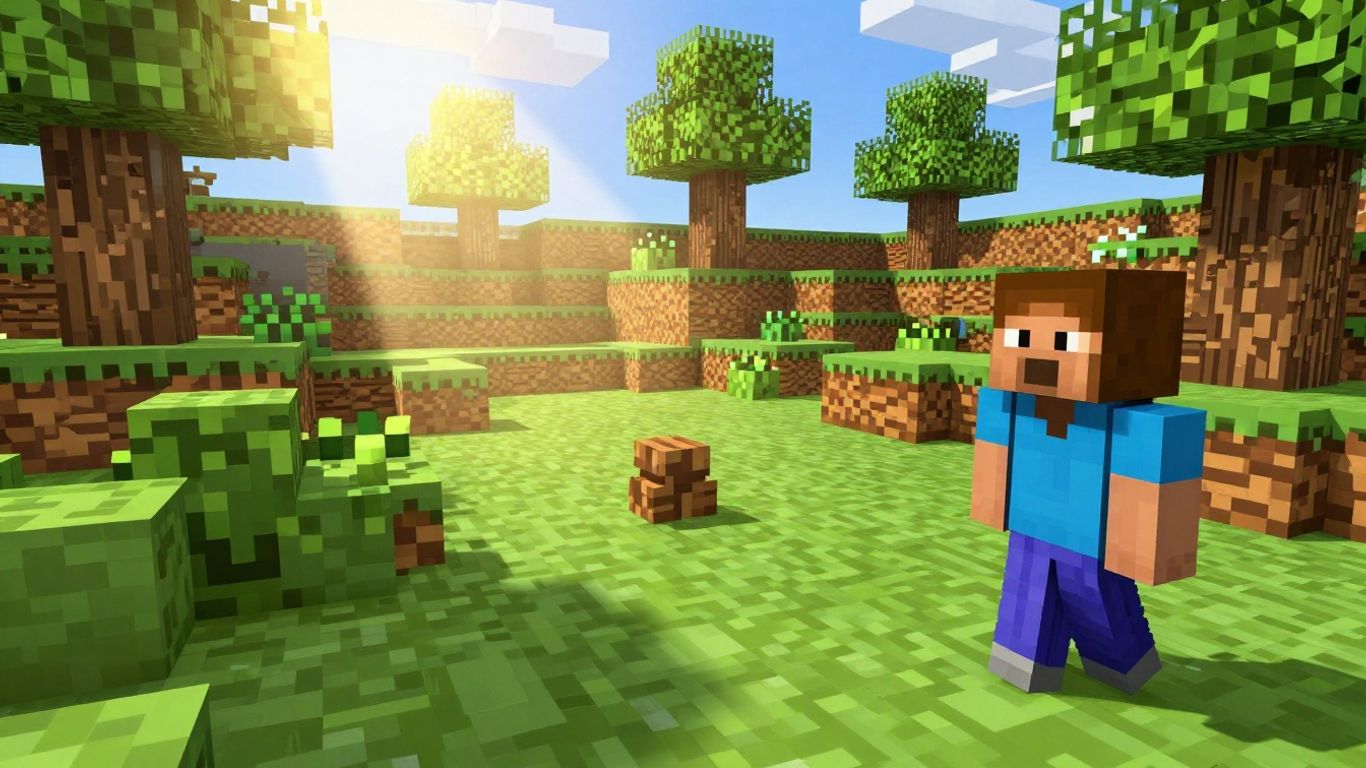
Sometimes, you just want to jump into a game without the hassle of downloading and installing anything. Luckily, there are ways to experience Minecraft, or something very much like it, directly through your web browser. This is perfect for a quick session or if you’re on a device where you can’t install new software.
Accessing Minecraft Classic Through Your Web Browser
For a direct taste of Minecraft’s origins, you can play Minecraft Classic right in your browser. This version is a throwback to the game’s early days, specifically the 2009 alpha build. It was released to celebrate the game’s 10th anniversary and is still accessible today.
To play, simply head over to classic.minecraft.net. You don’t need any downloads or installations. Once you’re there, you’ll be given a username, and you can start building. The controls are straightforward: left-click to place or mine blocks, right-click to switch between tools, and use WASD keys to move around. It’s a great way to revisit the basics and enjoy the creative freedom of the original game.
Keep in mind that this is a very early version. You won’t find any monsters or complex mechanics. There are only 32 types of blocks available, and the game doesn’t have a save feature, so your creations will disappear when you close the tab. It’s pure, unadulterated creative building.
Engaging with Unofficial Browser Ports Like Eaglercraft
Beyond the official Classic version, there are unofficial ports that bring more features to your browser. Eaglercraft is a notable example. It’s a project that allows you to play versions of Minecraft, like 1.5.2 and even 1.8.8 with EaglercraftX, directly in your web browser using HTML5 and JavaScript.
What makes these ports interesting is that they often support multiplayer, allowing you to play with friends online without needing a dedicated server setup. They aim to replicate the feel of the original game but with added functionality that works on modern browsers.
Here’s a quick look at what unofficial ports offer:
- Multiplayer Support: Connect with other players online.
- Broader Version Compatibility: Access versions beyond the very first alpha.
- No Installation Required: Play directly from your web browser.
These unofficial versions are community-driven projects. While they offer a great way to play, their stability and features can vary. Always download from trusted sources if you choose to download any associated files.
Discovering Fan-Made Versions for Creative Play
Fan creators have also developed their own versions of Minecraft-like experiences that you can play in your browser. These often focus on specific aspects of the game or offer unique twists. For instance, some might be purely creative modes, while others might introduce different challenges or gameplay mechanics.
These fan-made games can be a fantastic way to explore new ideas within the block-building genre. They might not be official Minecraft, but they capture the spirit of creativity and exploration that makes the original so popular. You can find these by searching for terms like "Minecraft fan games" or "browser block sandbox" online. Many of them are free to play and require no downloads, making them easy to try out.
Leveraging Official Free Trials
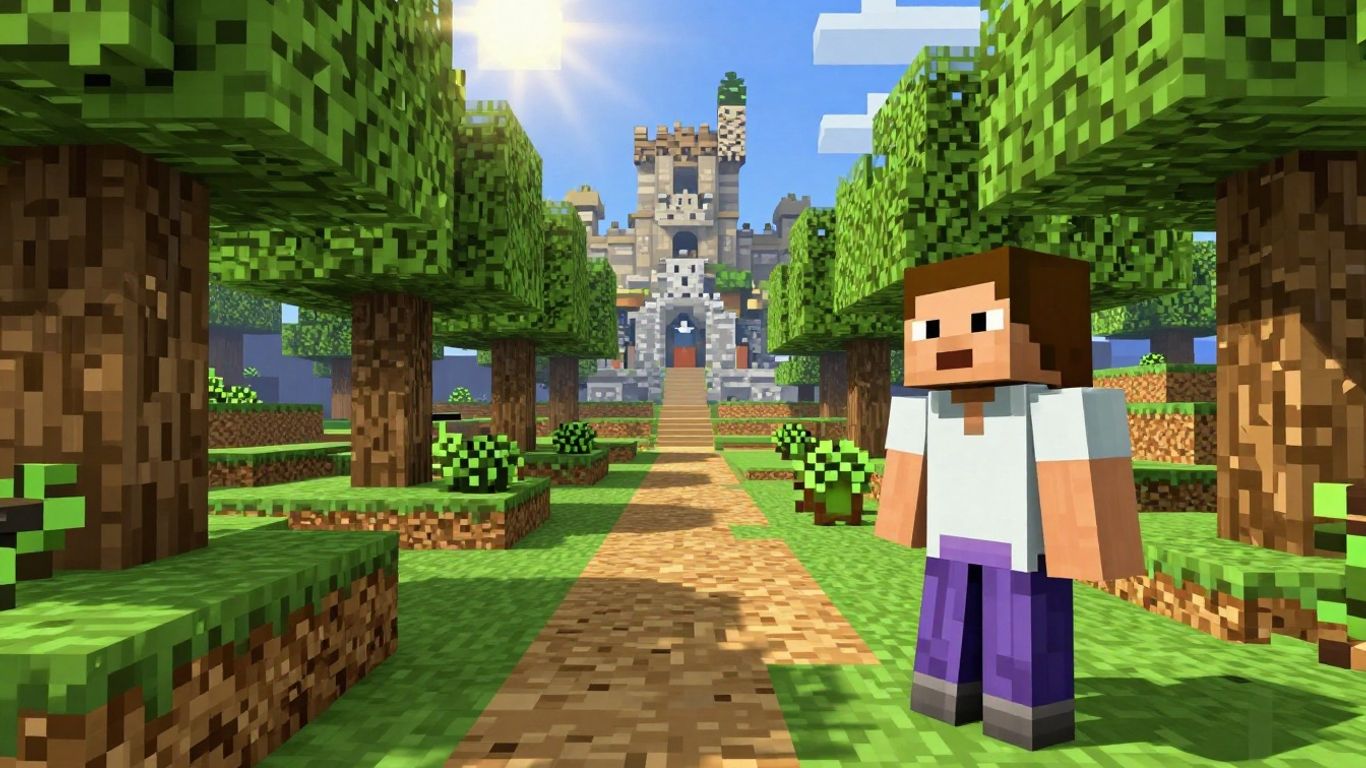
If you’re looking to experience the official Minecraft game without immediate commitment, the developers offer free trials for both the Java and Bedrock editions. These trials give you a taste of the full game, allowing you to explore its mechanics and world within a limited timeframe. It’s a great way to see if Minecraft is the right fit for you before making a purchase.
Understanding Trial Limitations and Features
It’s important to know what to expect with these official trials. While they provide access to core gameplay, there are some restrictions. Typically, you’ll get a set amount of in-game time, often around 100 minutes or five in-game days, to play. During this period, you can usually engage in Survival Mode, learning how to gather resources, craft items, and defend yourself against the game’s creatures. However, multiplayer servers are generally off-limits during the trial, though local area network (LAN) play might be possible with limitations. You’ll also need a Microsoft account to log in and start your trial.
Keep in mind that these trials are designed to give you a feel for the game. They are not a way to play indefinitely for free. The limitations are in place to encourage players to purchase the full game if they enjoy the experience.
Initiating the Java Edition Trial on Desktop
Getting started with the Minecraft: Java Edition trial on your computer is straightforward. First, head over to the official Minecraft website. Look for the section related to the Java Edition and find the option for a free trial. You’ll then need to download the game client, selecting the version appropriate for your operating system (Windows, macOS, or Linux). Once installed, launch the game, log in with your Microsoft account, and you should find an option to play a demo world. This will kickstart your limited-time adventure.
Exploring the Bedrock Edition Trial on Various Platforms
The Minecraft: Bedrock Edition trial is available on a wider range of devices, including Windows PCs, Android smartphones and tablets, and PlayStation consoles. Similar to the Java Edition, you’ll start by visiting the Minecraft website and selecting the Bedrock Edition trial. Choose the platform you wish to play on, and follow the download and installation instructions. Note that iOS devices currently do not have an official trial available. The Bedrock Edition is known for its cross-platform play capabilities and often has a slightly different feel, making its trial a good way to see if this version suits your preferences.
Here’s a quick look at trial availability:
- Java Edition: Windows, macOS, Linux
- Bedrock Edition: Windows, Android, PlayStation 4
Remember to check the official Minecraft website for the most current information on trial availability and specific download links for your chosen platform.
Alternative Methods for Accessing Minecraft
Beyond the browser-based versions and official trials, there are a couple of other avenues you might explore if you’re looking to get your hands on Minecraft without an immediate purchase. These methods can sometimes require a bit more effort or a different kind of commitment, but they can lead to playing the full game or something very close to it.
Utilizing Subscription Services for Game Access
Subscription services can be a smart way to access a library of games, and sometimes, this includes Minecraft. For instance, services like Xbox Game Pass offer a rotating selection of titles, and Minecraft has been featured on it. This means that for a monthly fee, you might get access to play Minecraft, often including both the Java and Bedrock editions, depending on the subscription tier and current offerings.
- Xbox Game Pass: This is a popular option, especially for PC and Xbox players. By subscribing, you can download and play Minecraft as part of the subscription. It’s a good way to try the game if you’re already invested in the Xbox ecosystem or want access to many other games.
- Other Subscription Platforms: Keep an eye on other gaming subscription services. While not always guaranteed, game publishers sometimes partner with these services to offer their titles, making them accessible for a period.
It’s important to check the specific details of any subscription service, as game availability can change. You’ll typically need to download the game client, but the subscription itself provides the access.
Completing Surveys and Offers for Account Redemption
This method is a bit more unconventional and requires patience. Some third-party websites offer ways to earn points or virtual currency by completing surveys, signing up for trial offers, or playing other games. These accumulated points can then sometimes be redeemed for gift cards or directly for game accounts, including Minecraft.
- How it Works: You sign up for an account on a platform that offers these tasks. Then, you complete various offers, which might involve answering questions, downloading apps, or subscribing to newsletters.
- Redemption: Once you’ve earned enough points, you can typically exchange them for a Minecraft gift code or a Microsoft account credit that can be used to purchase the game.
- Considerations: Be aware that this process can be time-consuming, and not all offers are available or successful for everyone. It’s also wise to research the legitimacy of any such website before committing your time.
While these methods can potentially lead to playing Minecraft without an upfront purchase, they often involve trade-offs in terms of time, effort, or exposure to third-party services. Always proceed with caution and ensure you understand the terms and conditions involved.
Discovering Minecraft-Inspired Alternatives
While the original Minecraft is a fantastic experience, its influence has sparked a whole genre of games that capture similar creative and survival elements. If you’re looking for something new but familiar, there are tons of browser-based options that offer a taste of that blocky world without any downloads. These games often take the core concepts of building, exploring, and surviving and put their own unique spin on them.
Exploring 2D and Creative Sandbox Alternatives
Sometimes, seeing a familiar concept in a different dimension can be refreshing. Games like Paper Minecraft take the iconic 3D block world and translate it into a 2D side-scrolling adventure. It’s a neat way to experience the building and exploration you love from a new perspective. Other titles, such as CubeRealm.io and Miniblox, draw inspiration from Minecraft and similar sandbox games, offering voxel graphics and a variety of gameplay modes. These are great for when you want that creative freedom but perhaps with a slightly different set of challenges or objectives.
Engaging in Action and Multiplayer Inspired Titles
If you enjoy the social aspect of Minecraft or just like a bit more action, there are plenty of multiplayer-focused alternatives. Games like Build and Crush let you and others build structures and then, well, crush them, offering a fun, destructive outlet. For those who enjoy a faster pace, titles like Pixel Warfare and Voxiom.io present first-person shooter experiences with a distinct blocky aesthetic. They might not have the same crafting depth, but they certainly deliver on the action front.
Venturing into Zombie Survival Block Games
For players who enjoy a bit of a thrill and the challenge of survival, the blocky world also offers plenty of zombie-infested adventures. Games such as Mine Shooter, ShooterZ, and WorldZ put you in a world where you need to build, scavenge, and fight to survive against hordes of the undead. These games often blend the creative building aspects with intense combat scenarios, giving you a different kind of challenge within a familiar visual style.
Many of these inspired games are built with browser technology, meaning you can jump right in without needing to install anything. This makes them incredibly accessible for quick play sessions or for trying out different gameplay loops.
Here are a few examples of what you might find:
- 2D Sandbox: Paper Minecraft, Bloxd.io
- Action/FPS: Pixel Warfare, Voxiom.io, Mine Shooter
- Survival/Zombie: ShooterZ, WorldZ
- Creative/Minigames: Miniblox, CubeRealm.io
Wrapping Up Your Free Minecraft Adventure
So, you’ve explored the ways to jump into the blocky world of Minecraft without spending a dime and without needing to download anything. Whether you’re trying out the classic browser versions, taking advantage of official free trials, or even looking into earning an account through offers, there are definitely options to get your building and exploring fix. Remember, the browser versions are the quickest way to start playing right away. While official trials give you a taste of the full game, they often come with time limits. Keep in mind that the most direct path to the complete, up-to-date Minecraft experience is by purchasing the game. But for a quick, free taste, these methods should get you started.
Frequently Asked Questions
Can I really play Minecraft without downloading anything?
Yes, you can! There are special browser versions of Minecraft, like Minecraft Classic, that let you play right in your web browser. It’s super easy to jump in without any downloads. Some fan-made versions also work this way, offering fun creative play.
What’s the difference between the browser versions and official trials?
Browser versions, like Minecraft Classic or Eaglercraft, usually let you play instantly without installing anything. Official trials, on the other hand, require you to download and install the game on your computer or device. Trials often give you a limited time to play the full game, while browser versions might have fewer features but are always accessible.
Are there any limits to the free browser versions of Minecraft?
Absolutely. Minecraft Classic, for example, is an older version from 2009. It has limited blocks to build with and doesn’t include any monsters. Fan-made versions might have their own unique features or limitations, but they’re great for creative building and playing with friends online.
How long do the official Minecraft free trials last?
The length of the official free trial can vary depending on the version and platform. For Java Edition on PC, you usually get about 100 minutes of playtime. Bedrock Edition trials on other devices might also have time limits. It’s enough time to get a feel for the game before you decide to buy it!
Can I play with friends during a free trial?
Generally, official free trials are limited to single-player mode. You can’t join public multiplayer servers. However, some browser-based versions, like Eaglercraft, do support multiplayer, letting you play with friends online without needing the full game.
Are there games like Minecraft that are completely free?
Definitely! Because Minecraft is so popular, many other games have been made that are inspired by it. You can find 2D versions, creative sandbox games, action-packed titles, and even zombie survival games that capture the blocky fun of Minecraft, all playable for free in your browser.