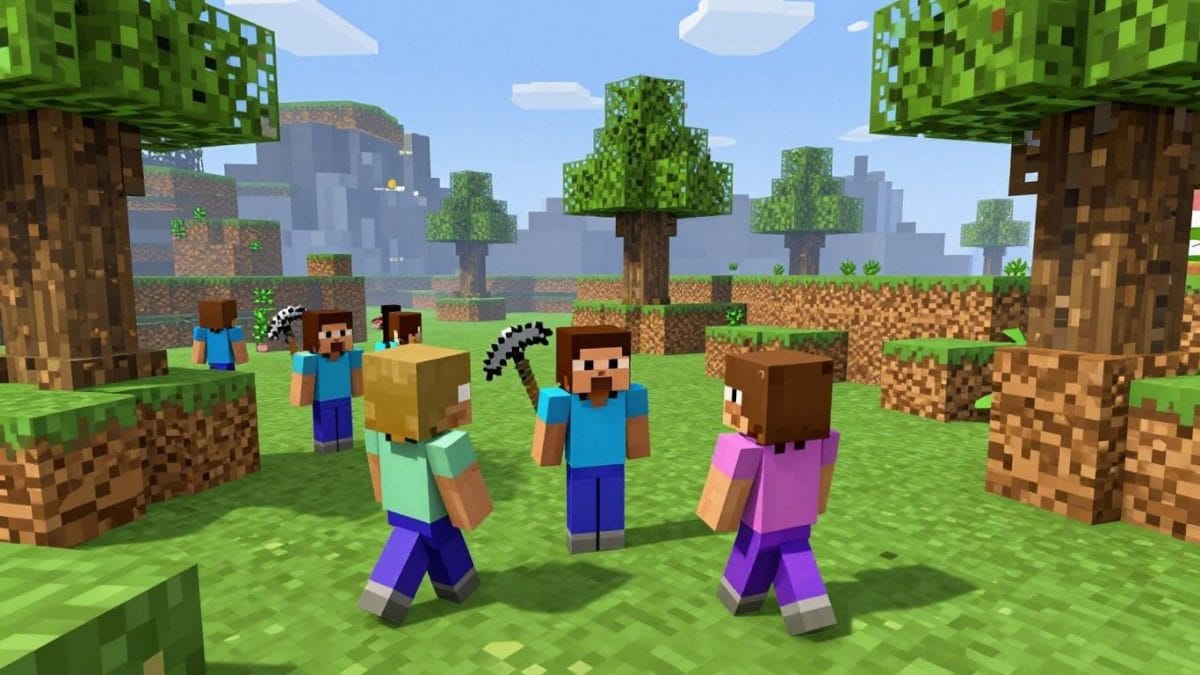
Ever wanted to play Minecraft but don’t want to download anything or pay for it? Well, Paper Minecraft might be just the thing for you. It’s basically Minecraft, but in 2D and playable right in your web browser. It keeps a lot of the same building and exploring vibes, but with a simpler look and feel. Whether you’re looking to build a massive castle or just survive a few nights, this game has got you covered.
Key Takeaways
- Paper Minecraft offers a 2D take on the classic Minecraft experience, playable directly in your browser.
- You can play in Creative Mode for unlimited resources and building, or Survival Mode to gather resources and defend yourself.
- Basic controls involve WASD for movement, mouse clicks for mining/placing, and ‘E’ to open your inventory.
- The game is free to play and accessible on most modern web browsers without downloads.
- It’s a great way to enjoy sandbox building and adventure, similar to the original Minecraft, but in a more accessible format.
Embarking on Your Paper Minecraft Adventure
Understanding the Paper Minecraft Experience
Paper Minecraft takes the familiar world of Minecraft and flips it into a 2D side-scrolling adventure. It’s a browser-based game, meaning you can jump right in without any downloads. Think of it as a fresh take on a classic, offering the same creative freedom and survival challenges but with a different visual style. This version is great for those who want a quick gaming session or prefer a simpler interface.
This game captures the spirit of its inspiration while making it accessible to anyone with an internet connection. It’s a testament to how creative game design can adapt beloved experiences to new formats.
Navigating the Game Interface
Getting started in Paper Minecraft is straightforward. Upon launching the game, you’ll typically be presented with options to choose your game mode and perhaps customize your character. The interface is designed to be intuitive, with most actions controlled by simple keyboard commands and mouse clicks. You’ll find your inventory, crafting options, and other game functions readily available without much fuss.
Here’s a quick look at some common controls:
- Movement: WASD keys or arrow keys for walking, jumping, and crouching.
- Interaction: Left-click to mine or place blocks.
- Inventory: Press ‘E’ to open and close your inventory screen.
- Item Selection: Use number keys (1-9) to select items from your hotbar.
Choosing Your Starting Path
Paper Minecraft offers two main ways to play: Creative Mode and Survival Mode. Your choice here sets the tone for your entire adventure. If you’re looking to build elaborate structures and experiment with blocks without any pressure, Creative Mode is your go-to. On the other hand, if you enjoy a challenge, gathering resources, fending off threats, and managing your hunger, Survival Mode will test your mettle. Many players start with Creative Mode to get a feel for the game’s mechanics before diving into the more demanding Survival Mode.
Mastering Creative Mode
Creative Mode in Paper Minecraft is your sandbox for pure imagination. Forget about gathering materials or worrying about monsters; here, you have everything you need at your fingertips to build whatever you can dream up.
Unlimited Building Resources
In Creative Mode, the game hands you an infinite supply of every block and item available. You don’t need to mine for stone, chop down trees for wood, or hunt for rare ores. Everything is instantly accessible. This means you can focus entirely on the design and construction of your projects without the usual grind.
Exploration Without Peril
This mode also removes all threats. No creepers will sneak up on you, no zombies will shamble in the dark, and you won’t starve. You can fly freely through the world, exploring different biomes and landscapes at your own pace. It’s the perfect environment to scout out locations for your grand builds or simply to enjoy the scenery.
Unleashing Your Architectural Vision
With unlimited resources and no danger, your only limit is your own creativity. Want to build a towering castle, a sprawling city, or a complex redstone contraption? Creative Mode is where you can bring those ideas to life. You can experiment with different block combinations, test out intricate designs, and build on a scale that would be impossible in Survival Mode. It’s all about the joy of creation and seeing your visions take shape in the 2D world.
Here’s a quick look at what makes Creative Mode so liberating:
- Infinite Blocks: Access to every block type without needing to craft or find them.
- Flight Capability: Move freely through the air to reach any location and get a bird’s-eye view of your builds.
- No Health or Hunger: You cannot take damage or get hungry, allowing for uninterrupted building and exploration.
Creative Mode is your personal digital playground. It’s designed for players who want to experiment, design, and build without the pressures of survival, making it an excellent starting point for anyone new to the game or just looking to express their artistic side.
Conquering Survival Mode
Survival mode in Paper Minecraft presents a different challenge than its creative counterpart. Here, you’re not just building; you’re striving to stay alive. This means every decision, from the resources you gather to the shelter you construct, carries weight. It’s a test of your resourcefulness and planning.
Resource Gathering Essentials
To survive, you’ll need to collect various materials. Start by gathering wood from trees; this is your most basic building block and is needed for crafting tools. Stone can be mined with a wooden pickaxe and is better for more durable tools and early defenses. Look for coal for torches to light up your base and prevent hostile mobs from spawning inside.
- Wood: Essential for crafting basic tools, planks, and charcoal.
- Stone: Needed for stronger tools, furnaces, and building.
- Coal: Crucial for torches and fuel.
- Food: Hunt animals or gather crops to keep your hunger bar full.
Constructing Protective Shelters
As night falls, the world of Paper Minecraft becomes dangerous. Hostile creatures emerge, so having a safe place to retreat is vital. Your first shelter doesn’t need to be elaborate. A simple dirt or wood hut will suffice to keep you protected from immediate threats. Make sure to place a door and light up the interior with torches.
The most important aspect of your initial shelter is to block off all entry points before darkness descends.
Managing Sustenance and Defense
Staying alive isn’t just about avoiding monsters; it’s also about managing your hunger. You’ll need to find a consistent source of food. Hunting passive mobs like pigs, cows, and chickens is a good start. As you progress, you can set up farms for crops or raise animals. For defense, crafting weapons like a sword and a shield will be necessary to fend off attackers when you venture out or if they manage to breach your defenses.
- Food Sources: Hunt animals, gather berries, or farm crops.
- Weapons: Craft a sword for offense and a shield for blocking attacks.
- Armor: As you find resources like iron, craft armor to reduce damage taken.
Survival mode requires a balance between exploration, resource management, and defense. Don’t be afraid to retreat to your base when overwhelmed. Planning your expeditions, especially for resources like iron or diamonds, is key to long-term success.
Key Gameplay Mechanics
Movement and Interaction Controls
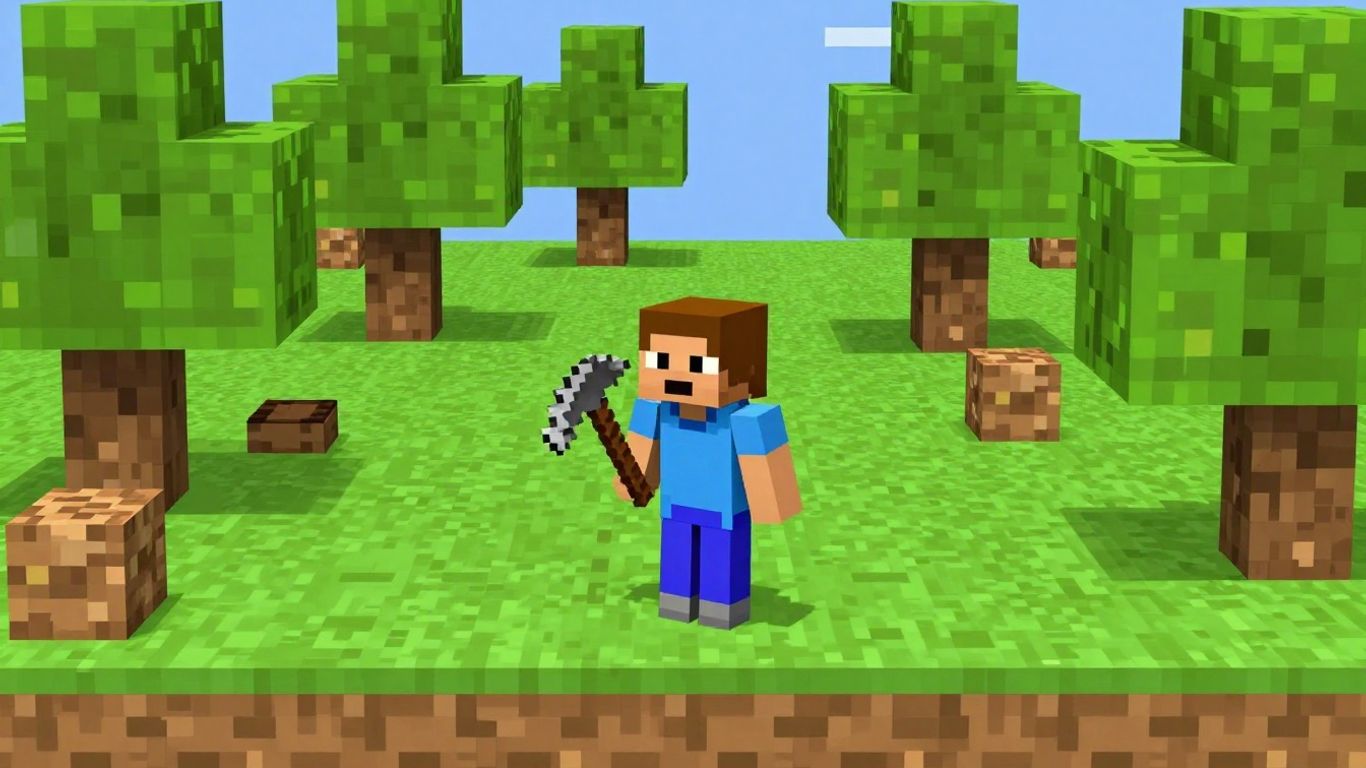
Getting around and doing things in Paper Minecraft is pretty straightforward, especially if you’ve played similar games before. You’ll use the standard WASD keys for movement – W to jump, and holding R lets you sprint, which is handy for covering ground quickly or escaping danger. Crouching is also an option, though less commonly used. Clicking the left mouse button is your main tool for both mining blocks and placing them. Hovering over certain objects like chests, crafting tables, or doors and pressing ‘E’ will open them up. Remembering these basic controls is the first step to mastering the game.
Inventory Management and Crafting
Pressing ‘E’ brings up your inventory, where you’ll see your collected items and the crafting grid. This is where the magic happens. You combine different materials to create new tools, blocks, and other useful items. For example, wood can be turned into planks, and planks can be made into sticks, which are then used with other materials to craft pickaxes, swords, and more. If you’re in Creative Mode, holding Spacebar while clicking on an item in the inventory will give you a full stack of 64.
Utilizing Special Items and Abilities
Paper Minecraft includes a few special items that can change how you play. The Elytra, for instance, allows you to glide through the air when you jump. You can also use Ender Eyes, though their specific function might require a bit of experimentation or looking up further details. Holding ‘F’ for a couple of seconds allows you to eat food if you have any in your inventory, which is vital for keeping your hunger meter up in Survival Mode. There’s also a shield you can equip in your offhand slot and use with the ‘Z’ key for defense.
Understanding how to combine items in the crafting grid is key to progressing, especially in Survival Mode. Don’t be afraid to experiment with different combinations to see what you can create. Sometimes the most useful items are made from simple materials.
Exploring the Features of Paper Minecraft
Paper Minecraft takes the familiar world of Minecraft and flips it into a 2D perspective, offering a fresh way to experience block-based adventure. This version keeps the core gameplay loops that players love but presents them in a side-scrolling format. It’s a clever adaptation that makes the game accessible and engaging right from your web browser.
The 2D Perspective Shift
The most striking difference is the shift from a 3D environment to a 2D plane. This change affects how you interact with the world, making exploration and building feel more direct. Instead of looking around in all directions, you’re focused on a horizontal and vertical axis, which can simplify complex building projects and make combat more straightforward. It’s like looking at a detailed diorama of your favorite game world.
Distinct Game Modes
Paper Minecraft offers two primary ways to play, mirroring the original game’s appeal:
- Creative Mode: Here, you have unlimited access to all blocks and items. There are no enemies or survival pressures, allowing you to focus entirely on building and creating whatever you can imagine. It’s a sandbox for pure architectural expression.
- Survival Mode: This mode presents a challenge. You start with nothing and must gather resources, craft tools, build shelter, and manage hunger to survive against hostile creatures that appear at night. It tests your resourcefulness and planning skills.
Browser-Based Accessibility
One of Paper Minecraft’s biggest advantages is its availability. You can play it directly in your web browser without any downloads or installations. This makes it incredibly easy to jump into a game whenever you have a few minutes to spare, whether you’re at home or on the go. All you need is an internet connection and a compatible browser.
The game’s design prioritizes ease of access, removing barriers that might prevent someone from trying out a new game. This approach allows for quick sessions of building or survival, fitting into busy schedules.
Extending Your Play
So, you’ve spent some time building magnificent structures and surviving the wilds of Paper Minecraft. That’s great! But what if you’re looking for even more ways to enjoy this blocky world, or perhaps explore similar experiences? Don’t worry, there are plenty of avenues to keep your adventure going.
Discovering Similar Browser Games
Paper Minecraft is a fantastic entry point, but the world of browser-based gaming is vast. If you enjoy the creative freedom and exploration it offers, you might find yourself drawn to other titles that share similar DNA. Many games offer unique twists on the sandbox genre, focusing on different aspects like survival, exploration, or pure building. Some might even offer a different perspective or a more complex crafting system. Keep an eye out for games that emphasize player freedom and emergent gameplay.
Engaging with the Community
While Paper Minecraft itself might not have a massive, centralized community hub like some larger games, the spirit of sharing and collaboration exists. You can often find discussions about the game on platforms where it’s hosted or shared. People might share their creations, offer tips, or even discuss modifications they’ve made. Looking for inspiration or help? The community is often the best place to find it.
Modifying and Customizing Your Game
For the truly adventurous player, the idea of modifying Paper Minecraft might be appealing. While not as extensive as some other games, there are ways to tweak the experience. Some versions or related projects might allow for custom skins, different world generation settings, or even entirely new mechanics. Exploring these options can breathe new life into the game and tailor it precisely to your preferences. It’s a great way to learn more about how the game works under the hood, too.
The beauty of browser games like Paper Minecraft is their accessibility. You can jump in and out easily, and often, the community around them is just as welcoming. Don’t be afraid to experiment and see what else is out there.
Wrapping Up Your Paper Minecraft Adventure
So there you have it – Paper Minecraft offers a fun, accessible way to enjoy a taste of the Minecraft experience right in your web browser. Whether you’re looking to build grand structures without any pressure in creative mode, or you’re up for the challenge of surviving the night in survival mode, this 2D take on the classic has something for everyone. It’s a great way to get creative or test your resourcefulness, all for free. Give it a try and see what you can build or how long you can last!
Frequently Asked Questions
What exactly is Paper Minecraft?
Paper Minecraft is a fun, free game you can play right in your web browser. It’s like the popular Minecraft game, but everything happens in a 2D, side-scrolling world instead of 3D. You can still mine, build, and explore just like in the original!
Do I need to pay to play Paper Minecraft?
Nope! Paper Minecraft is completely free to play. You don’t need to download anything or buy anything. Just open it up in your browser and start your adventure.
What’s the difference between Creative Mode and Survival Mode?
In Creative Mode, you have endless blocks and tools, and nothing can hurt you. It’s perfect for just building whatever you can imagine! Survival Mode is tougher – you start with nothing and have to gather resources, build a shelter, and defend yourself from monsters that come out at night.
How do I control my character in the game?
Moving around is pretty simple. You’ll usually use the ‘A’ and ‘D’ keys or the left and right arrow keys to move left and right. The ‘W’ key or the up arrow usually makes you jump. Clicking the left mouse button lets you mine blocks or place them.
Can I play Paper Minecraft on my phone or tablet?
Yes, you can! Since it’s a browser game, it should work on most modern phones and tablets that can open websites. Just visit the game’s page in your device’s web browser.
Is Paper Minecraft exactly like the original Minecraft?
It’s very similar in spirit, but with a big twist! The main difference is the 2D perspective, which makes it feel like a different kind of game while keeping the core ideas of exploring, gathering, and building that make Minecraft so great.