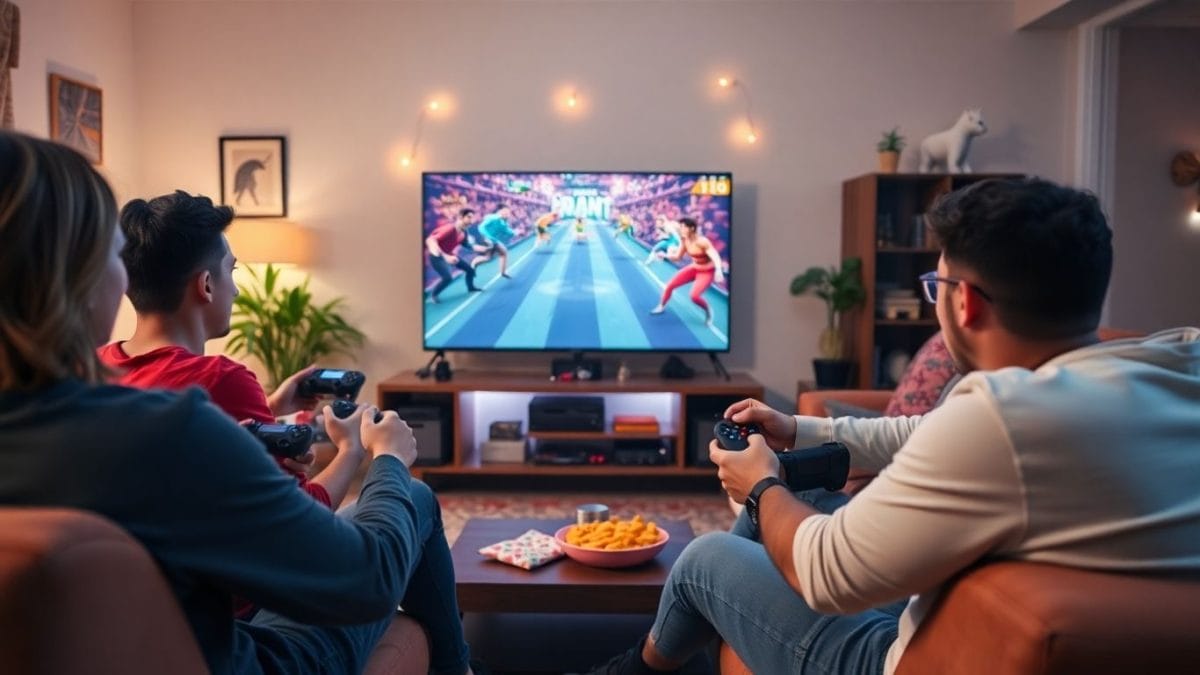
Netflix is making a bold leap beyond streaming, transforming smart TVs into group-friendly gaming consoles. Subscribers in select markets can now play party games directly through the Netflix app, using only their smartphones as controllers—no extra hardware required.
Key Takeaways
- Netflix’s new feature lets users play multiplayer games on smart TVs.
- No traditional game console or controllers are necessary—just your phone.
- Initial games focus on group play, emphasizing social fun.
- The rollout is currently limited to certain regions and TV models.
Netflix’s Gaming Strategy Goes Big-Screen
After experimenting with mobile games for years, Netflix is officially staking its claim in TV-based gaming. The new feature is positioned as a social activity, perfect for families and friends gathering at home. Subscribers simply navigate to the ‘Games’ tab in the Netflix app on compatible TVs, pick a game, and synch their smartphones to act as controllers.
This move comes on the heels of Netflix’s earlier mobile gaming efforts and signals a major strategic shift as the company aims to rival not only casual mobile games but also traditional gaming platforms.
Read More: legion go
Party Games Lead the Launch
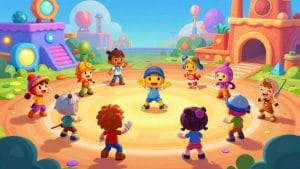
Netflix is debuting five games tailored specifically for multiplayer experiences:
- LEGO Party!: Competitive minigames for up to four friends.
- Boggle Party: A word game challenge supporting up to eight players.
- Pictionary: Game Night: A digital remake of the classic drawing-and-guessing game.
- Tetris Time Warp: Fast-paced, competitive block stacking.
- Party Crashers: Fool Your Friends: A social deduction game reminiscent of classic mysteries.
These party-focused titles are designed to encourage group participation, keeping users engaged with the service even when they’re not watching shows or movies.
Simple Setup With Maximum Accessibility
Getting started is easy. All you need is a Netflix account, a smart TV compatible with the new games feature, and a smartphone. Once in the Netflix app on your TV, just go to the Games tab and scan a QR code with your phone to join in as a player.
The current selection is a glimpse of a bigger vision: Netflix wants to make its gaming library universally accessible, whether you’re using a mobile device, TV, or possibly other screens in the future.
What’s Next For Netflix Gaming?
The rollout is still in its early stages, limited to particular TV models and selected countries. Expansion to more devices and markets is expected in the coming months as Netflix continues to refine both its game catalog and compatibility.
By prioritizing multiplayer games and seamless mobile integration, Netflix is betting on communal experiences to strengthen its standing as entertainment hub—not just a video streaming giant.